Attachment Visibility
This topic explains updates to the unified dashboard introduced as part of the 7.8 release implemented in July 2026.
Screen shots are shown at a reduced size. Click any image to view it at full size.
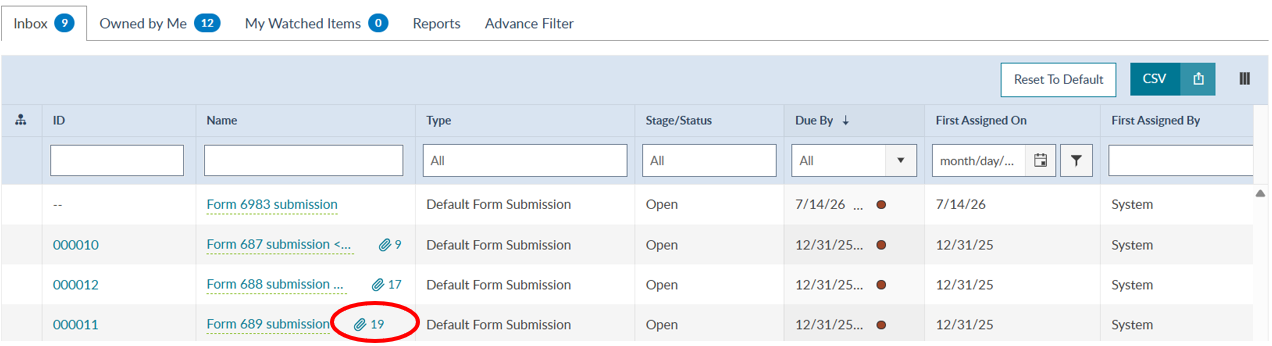
Users now can now see the number of primary attachments included with an item.
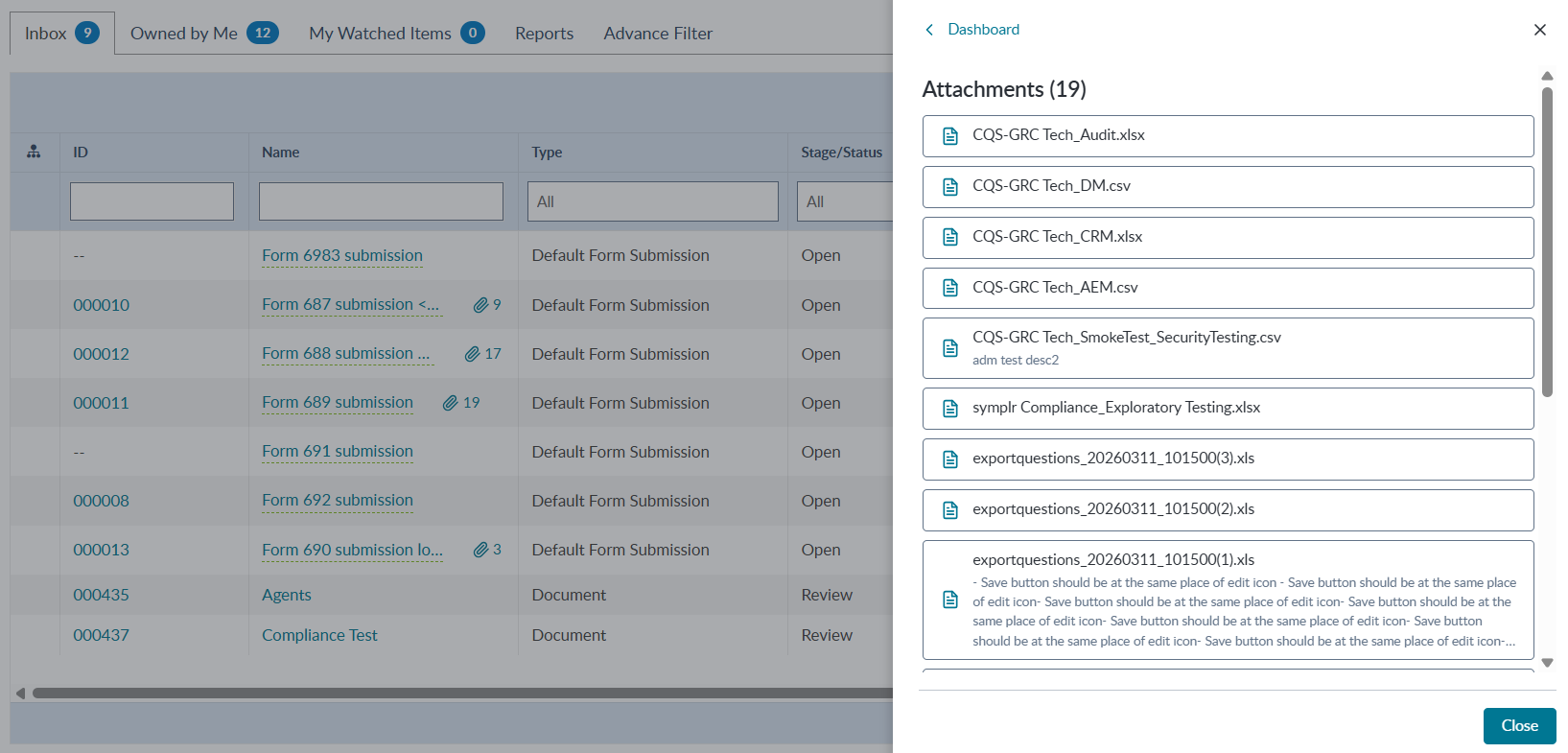
Users can click on the attachment icon to view the list of primary attachments in a side panel.
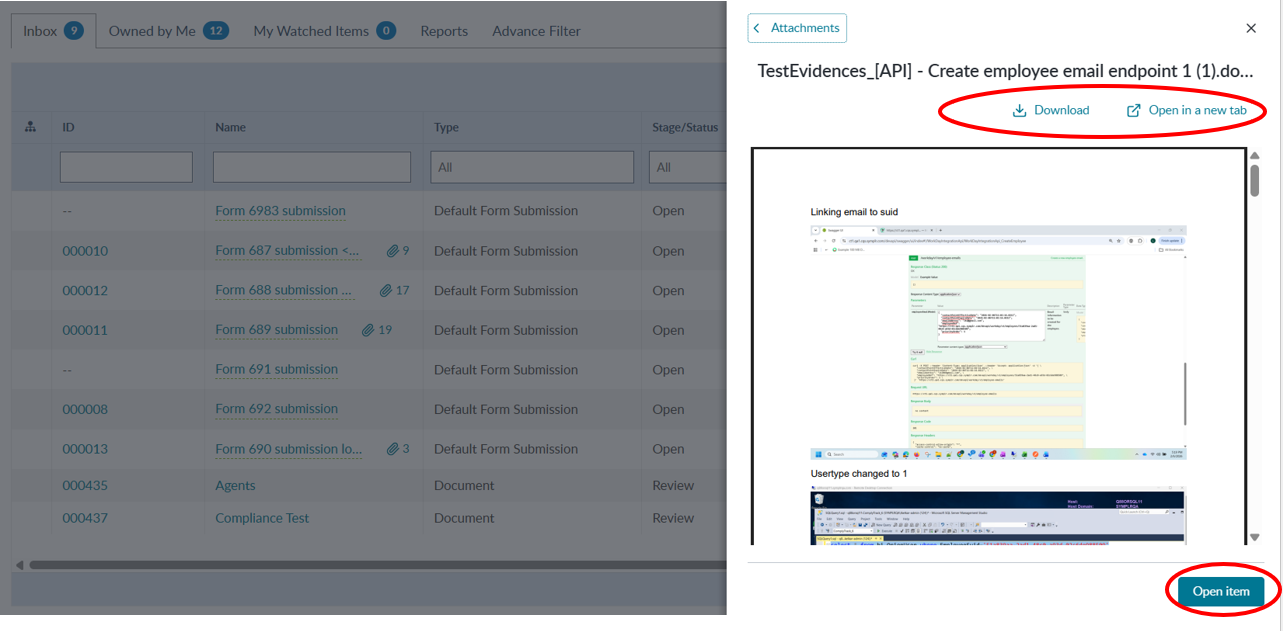
Users can select individual attachments from the list within the side panel. Supported documents can be previewed in the side panel. Users are also able to download, open the file in a new tab, or open the IAM item from the attachment preview.
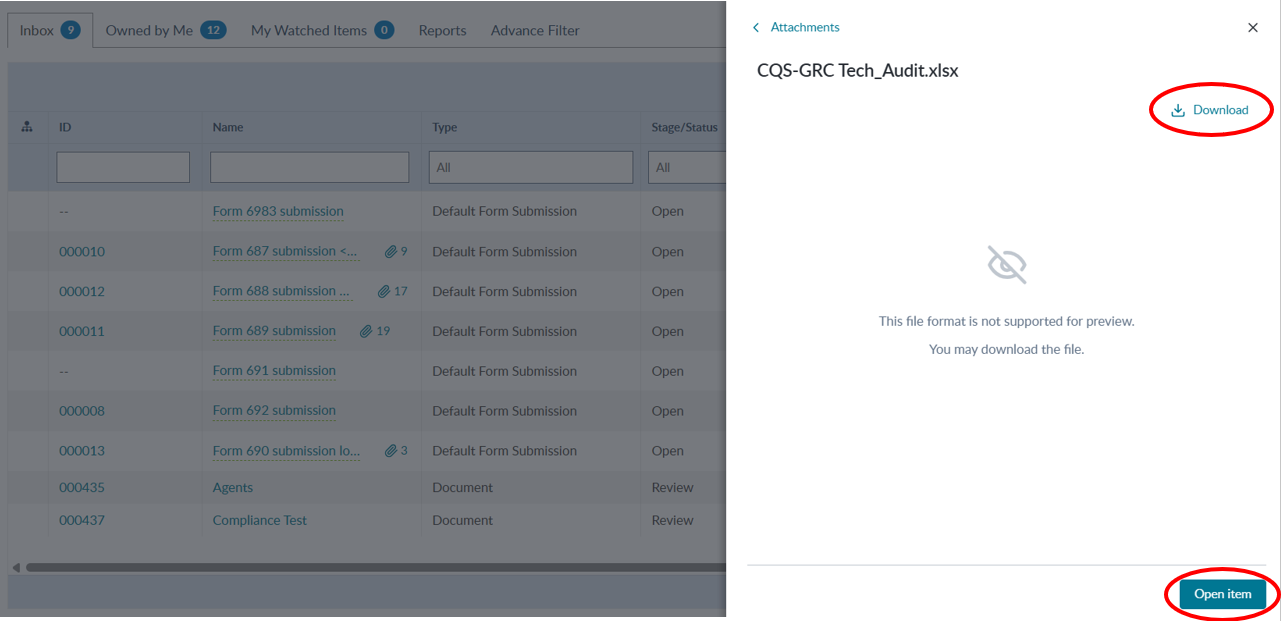
For attachments that exceed 5MB or are not a supported file type, users will not be able to preview the file within the side panel, but they can still download the file or open the item.